Claude setup skill
The Claude setup skill runs the auto-instrument procedure entirely inside your Claude Code session against your own Anthropic key. No GitHub App, no Everscribe network calls during the scan, no server-side agent. Just a markdown skill Claude Code reads and follows.
Use this when your source code can't leave your machine, when you'd rather not connect a GitHub App, or when you simply prefer the terminal.
Want a dry run first? Clone github.com/everscribe/ai-assisted-setup-demo and invoke
/everscribe-setupagainst it. It's a deliberately un-instrumented multi-tenant SaaS demo we maintain as a no-stakes target. You'll see the full procedure end-to-end against a known-good codebase before pointing it at your real repo.
What you need
- Claude Code installed and signed in with your Anthropic account
- The
esCLI to download the skill (or you can downloadSKILL.mdfrom the docs manually) - A project on Everscribe with an ingest API key. See Generate an API key
Install the skill
es skills download setup
Writes the skill markdown to ~/.claude/skills/everscribe-setup/SKILL.md. It becomes available as the slash command /everscribe-setup.
To browse what's available without installing:
es skills list
See CLI · Skills for the full command reference.
Run the skill
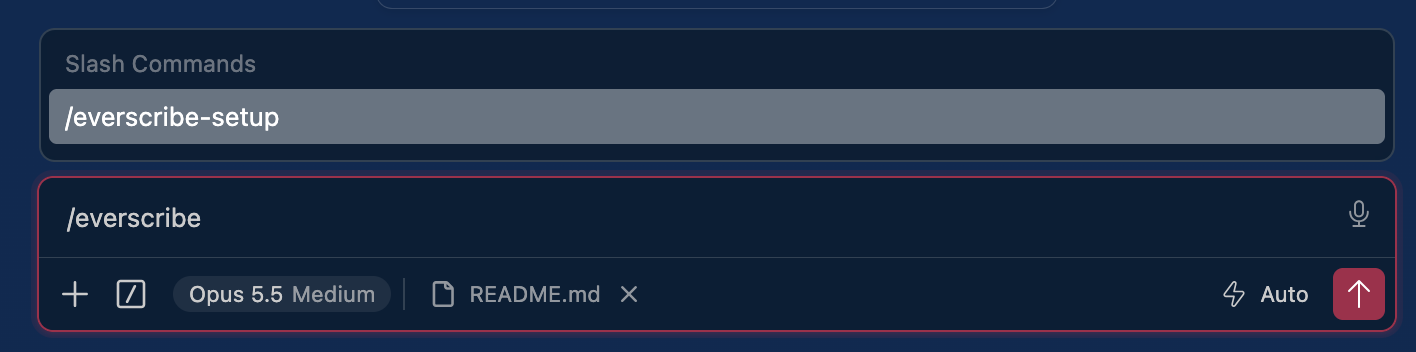
Open your repo in Claude Code and invoke:
/everscribe-setup
The skill walks a fixed procedure. Every question is a picker: one question per prompt, so each answer submits on its own.
1. Fetch the supported-SDKs manifest from everscribe.io, so Claude knows which languages have shipping SDKs and at which versions.
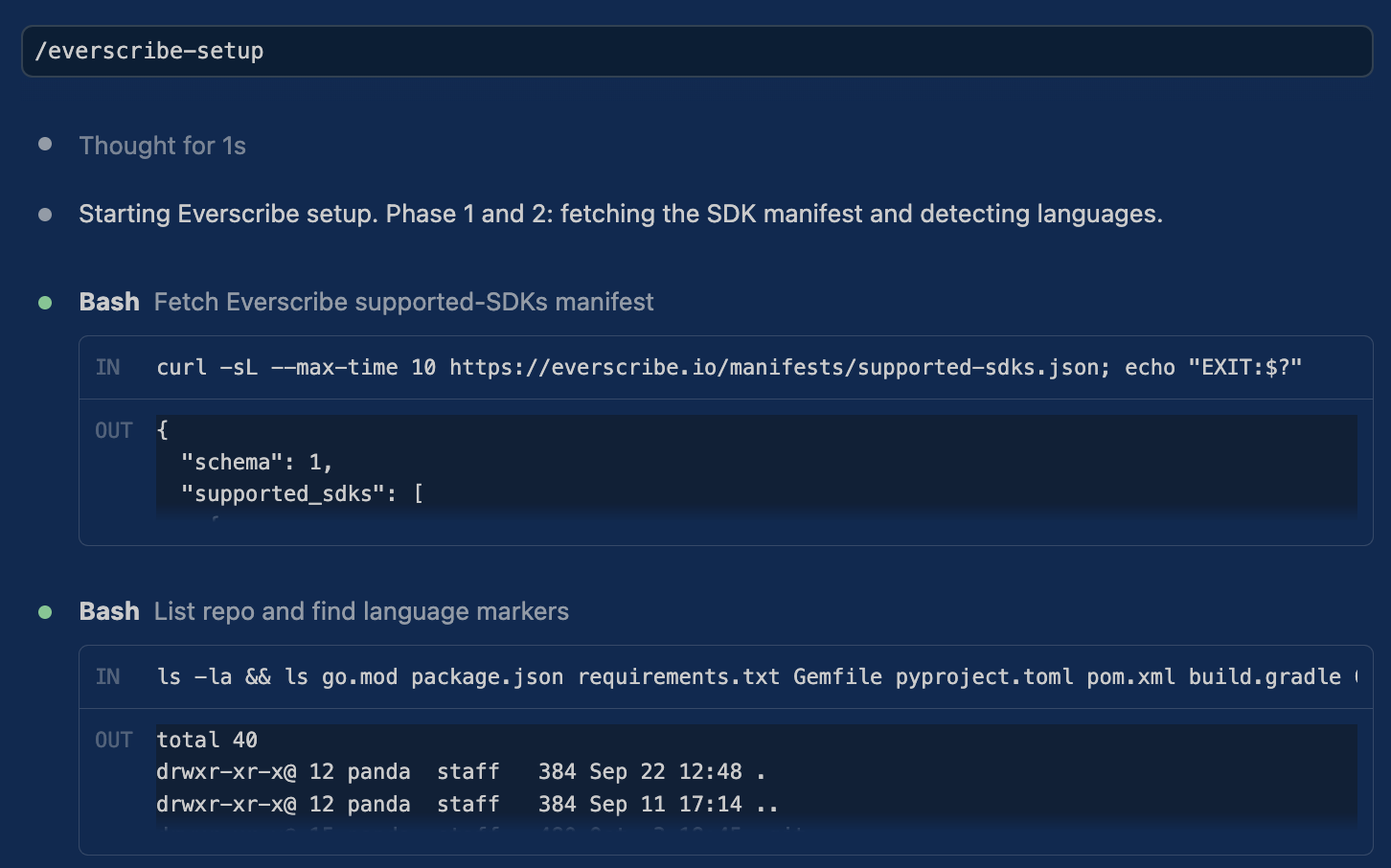
2. Detect your project's language from markers like go.mod or
package.json. If every backend language you use lacks an SDK, the skill stops
with a request-language link rather than guessing.
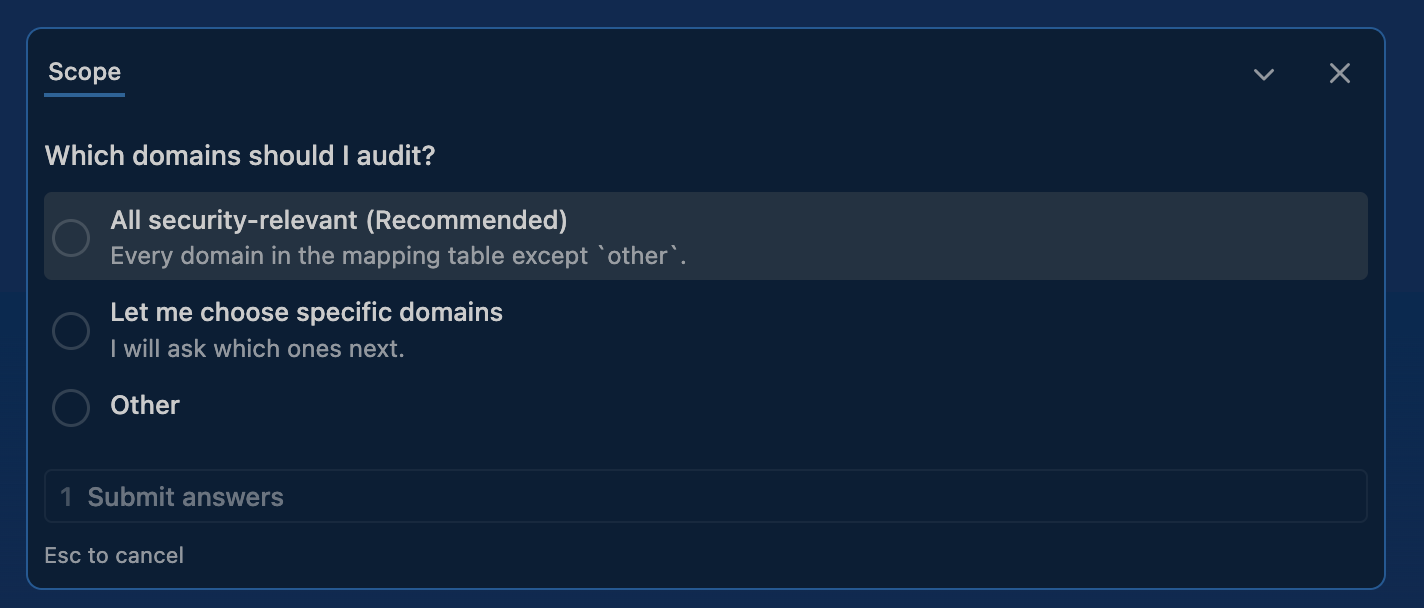
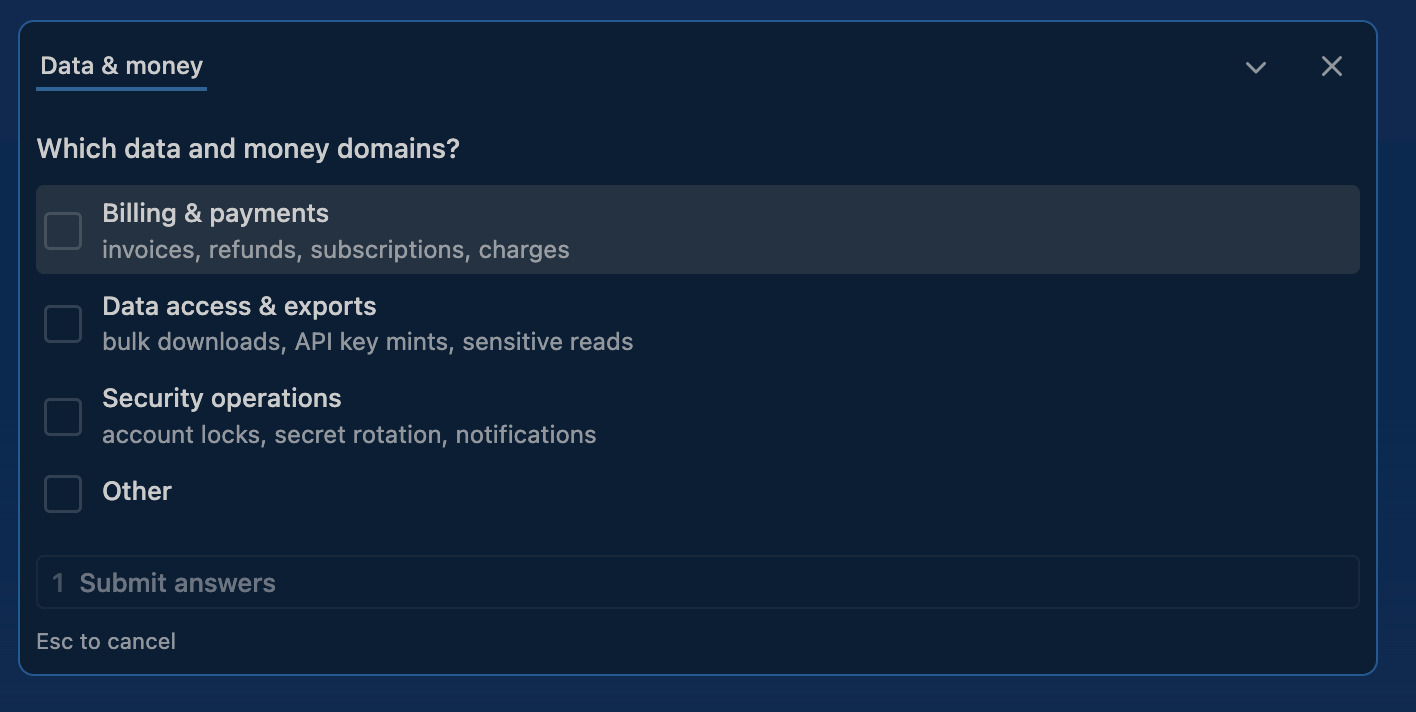
3. Ask which domains to instrument. A scope question first: take every security-relevant domain, or narrow it.
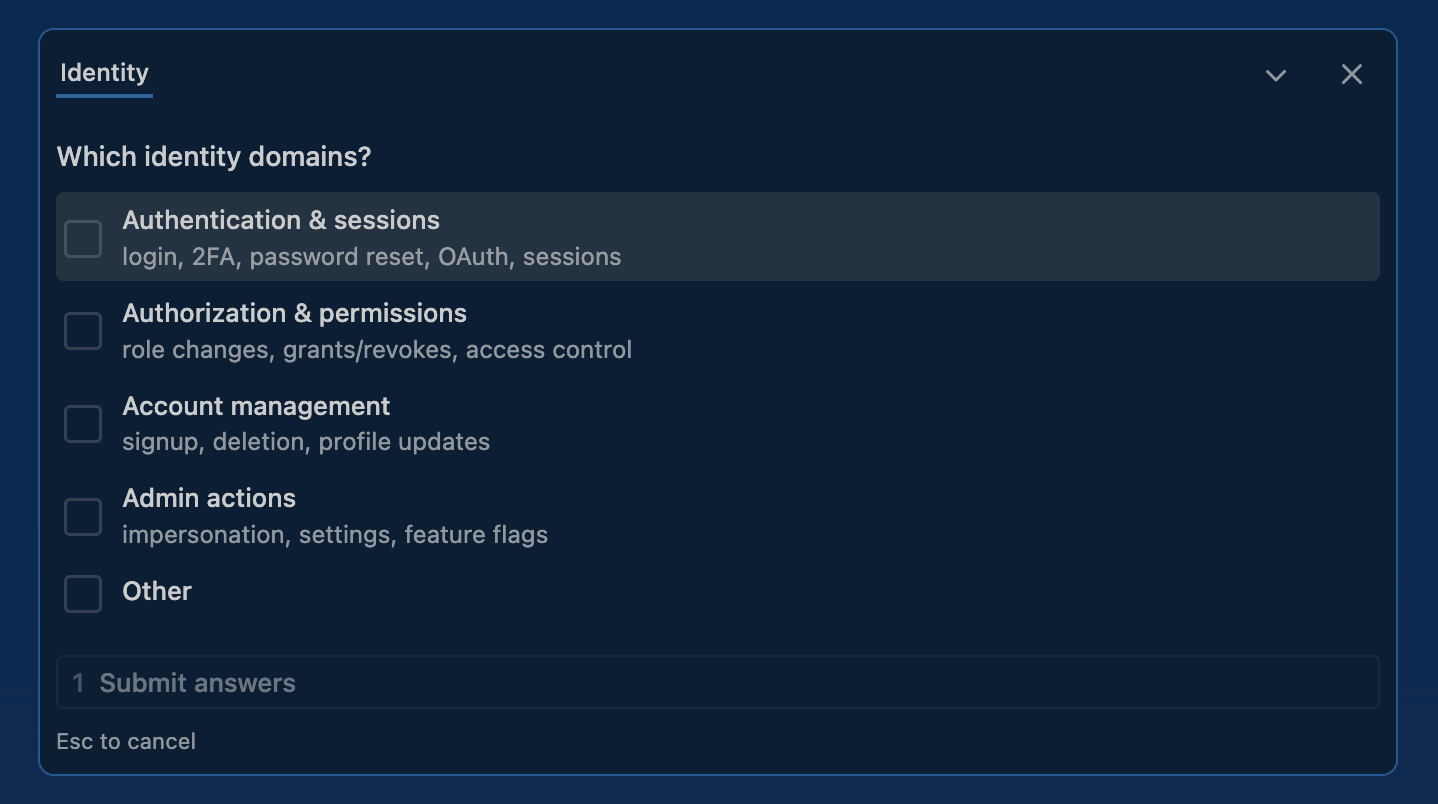
Narrowing asks two follow-ups, split by theme because the picker takes at most four options per question and there are seven domains.
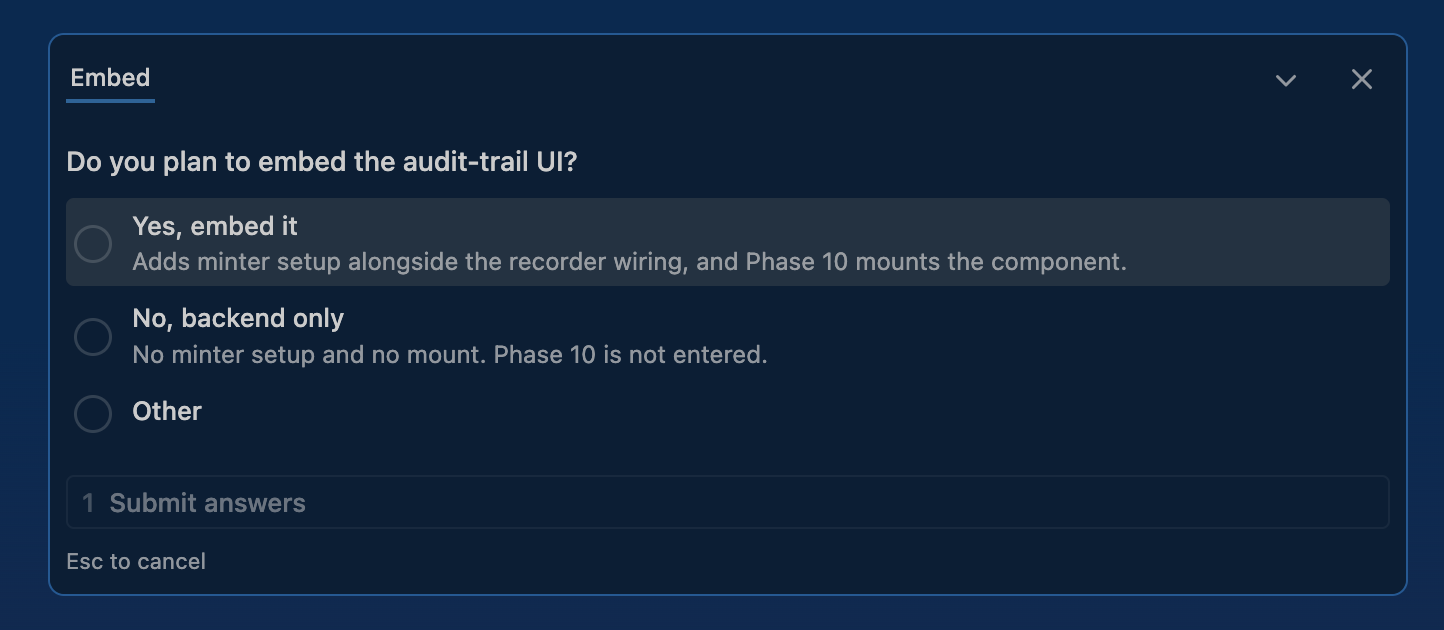
4. Ask whether you are embedding the UI. Yes also wires a tenant-scoped embed-token endpoint and, later, mounts the web component.
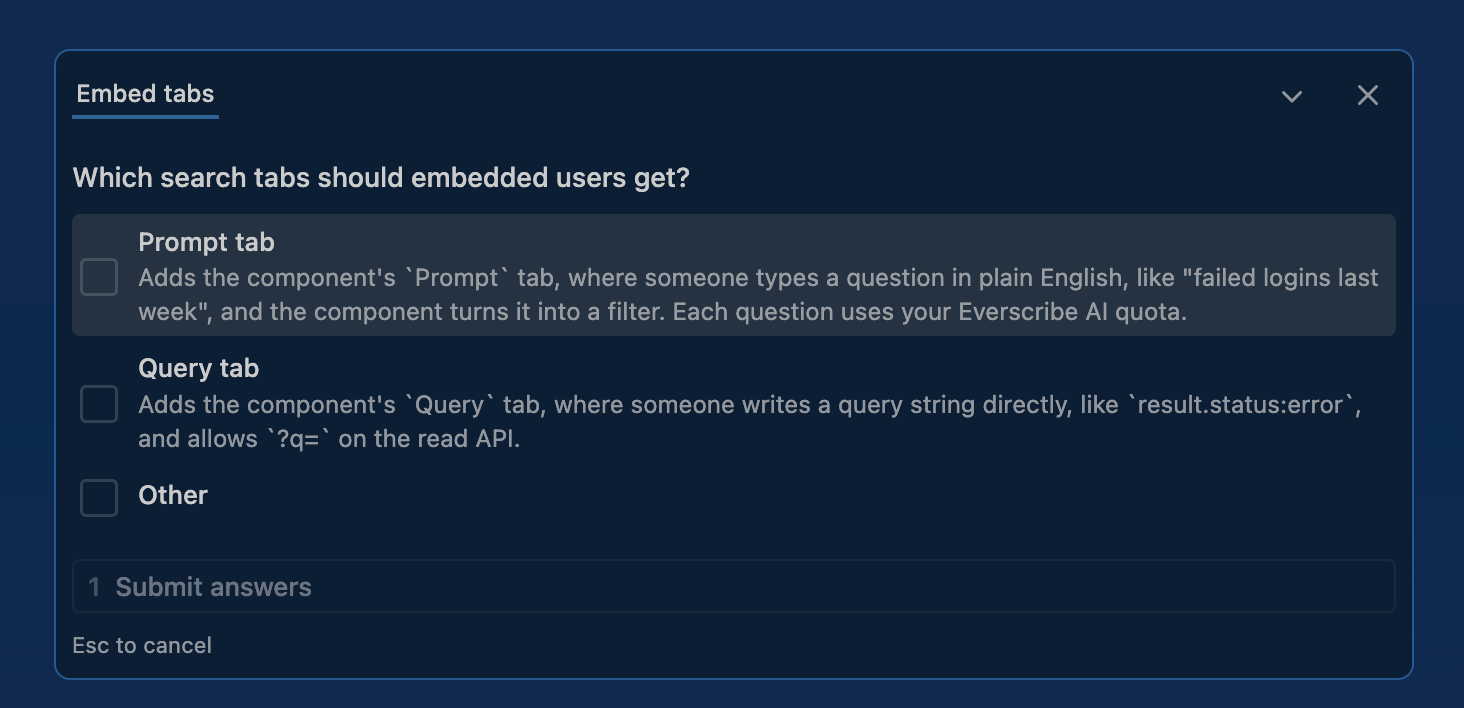
If you are embedding, it asks which search tabs the embed should expose. Both are off unless the minted token says otherwise, so this is where you turn them on.
5. Note your env vars. It checks for EVERSCRIBE_PROJECT_ID and
EVERSCRIBE_API_KEY and says if they are missing, but does not stop: the
generated code reads them at runtime, so nothing here needs them yet. What to
set, and where to get it, comes at the end. The skill never reads, stores or
transmits the plaintext key.
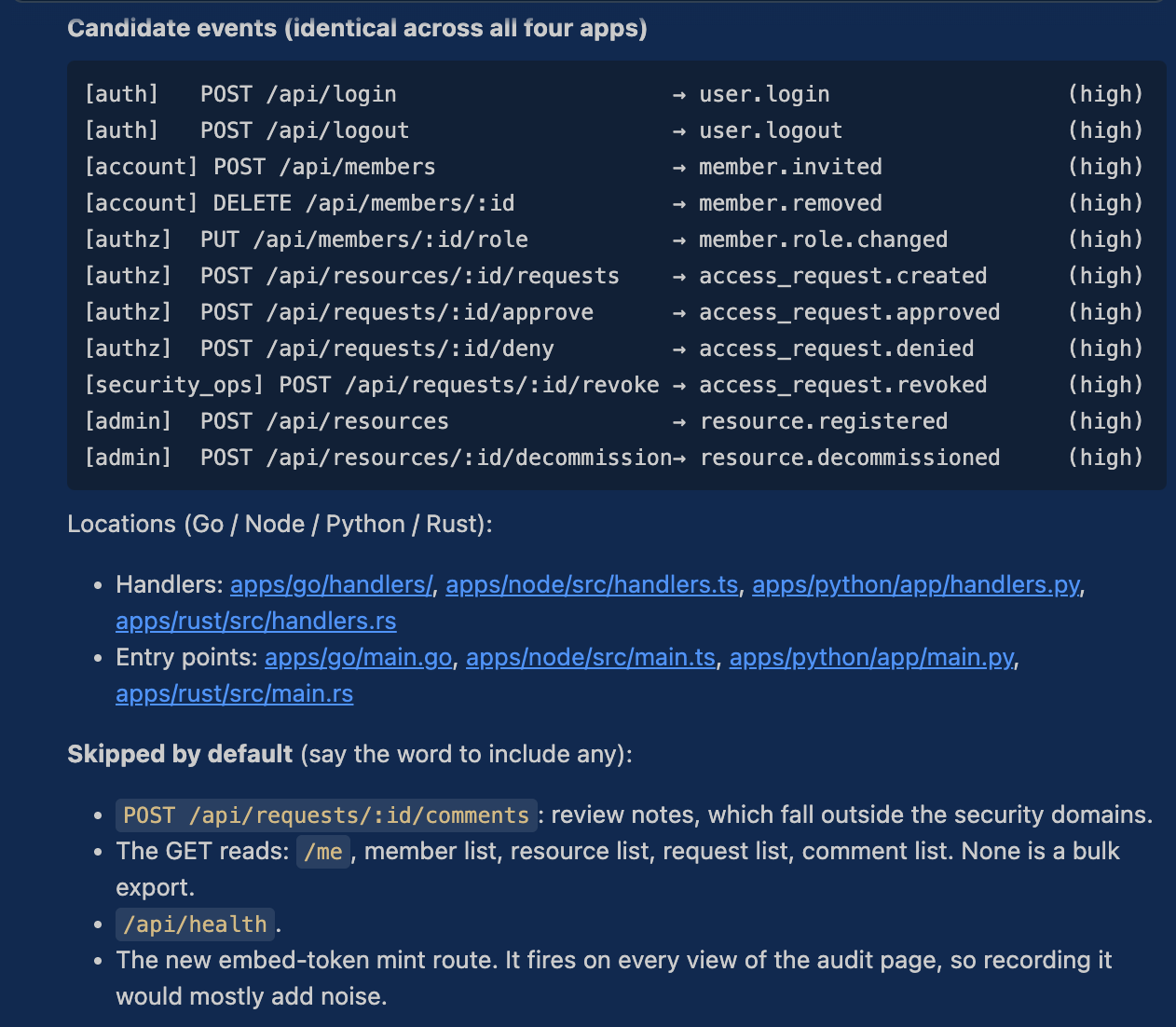
6. Discover handlers. Claude greps for framework patterns, reads handler files, and builds a candidate list with a proposed event name and a confidence level per handler, plus what it is skipping and why.
7. Refine in chat. Exclude handlers, rename events, ask why a confidence is low. Claude then restates how the wiring will work before touching anything.
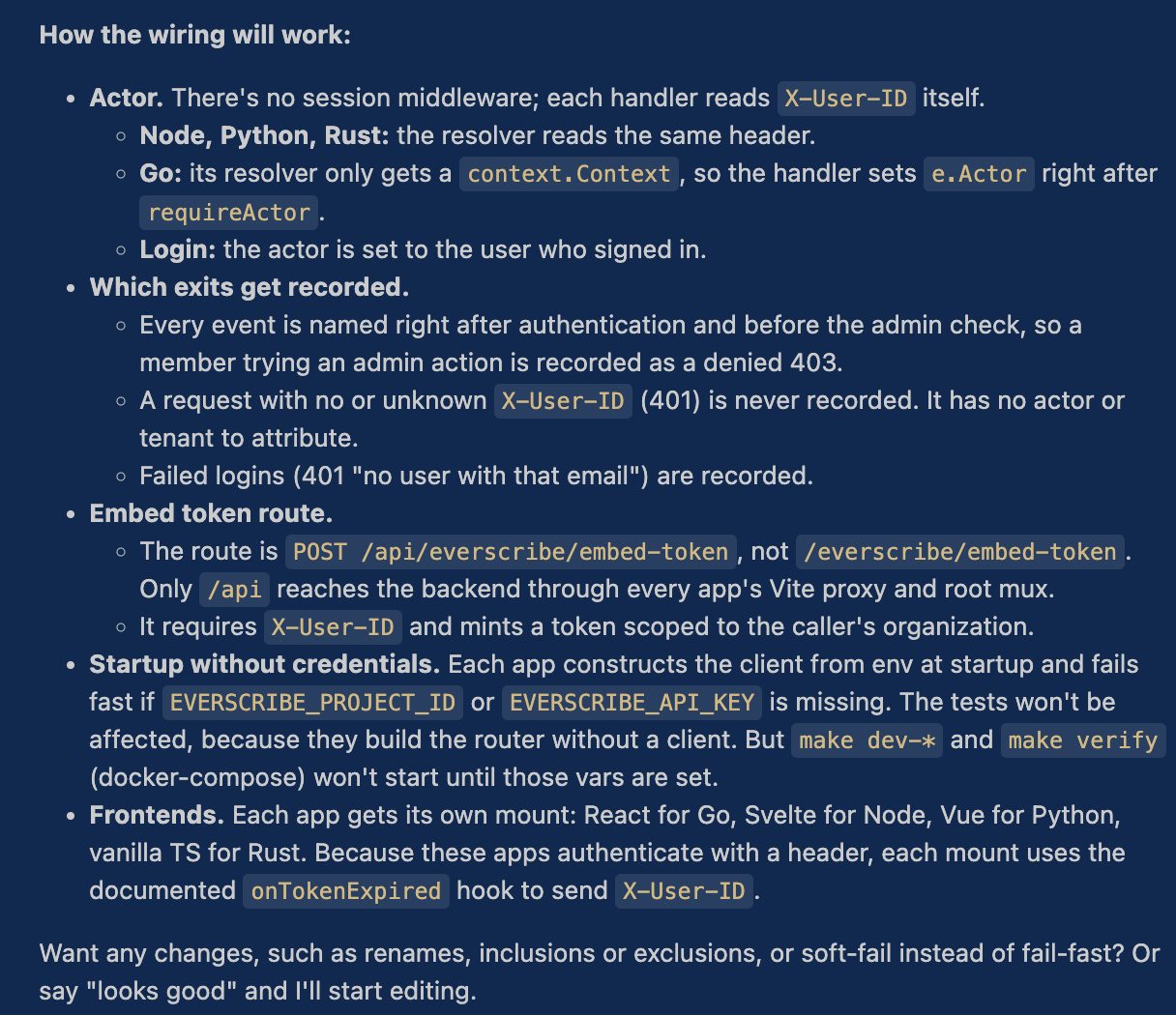
8. Generate the diff with Claude Code's own Edit tool, wiring
everscribe.NewFromEnv() and naming events inside each instrumented handler.
Credentials are read from the environment, never embedded.
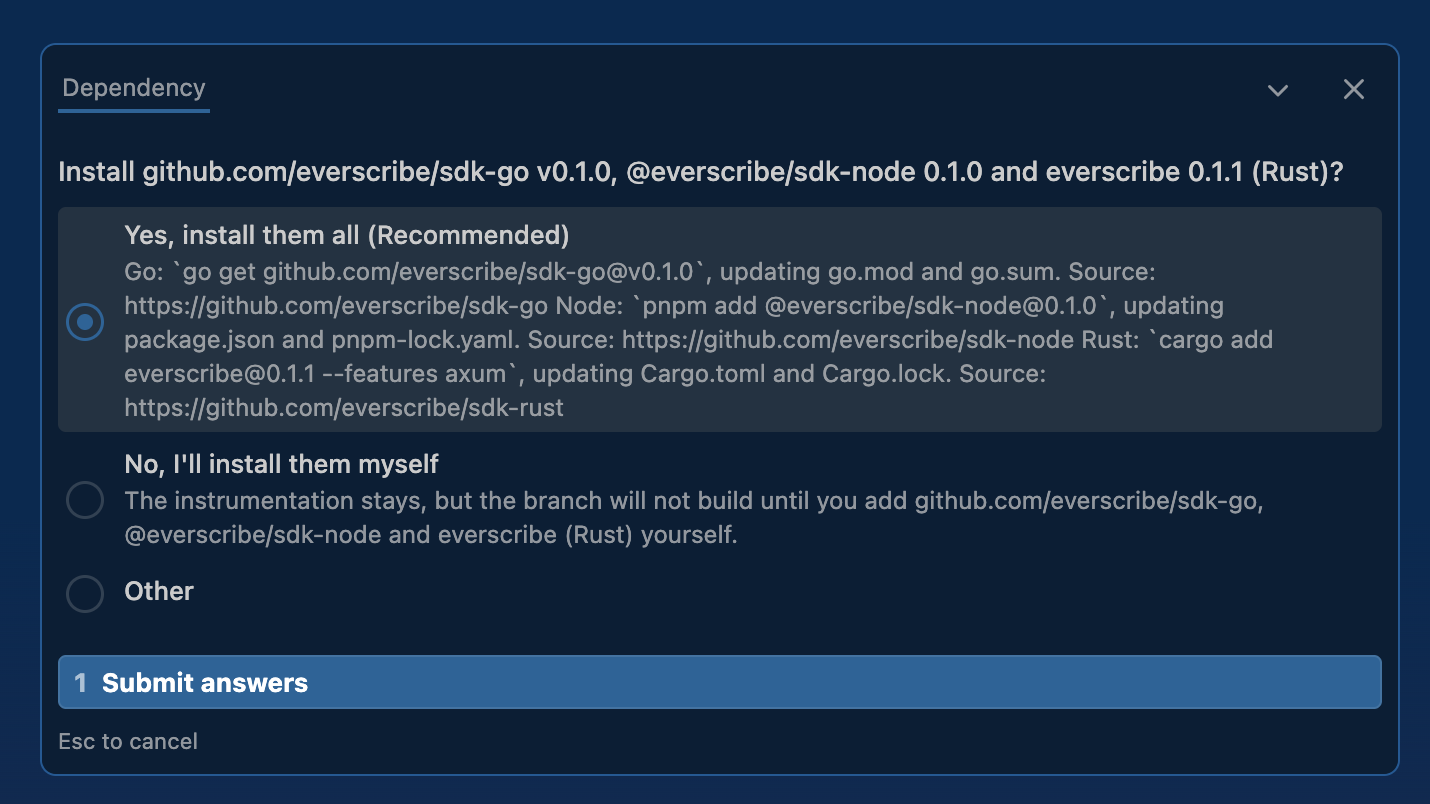
9. Ask before adding the SDK dependency. This is the only step that runs your package manager. The question names the package and version, and the answer carries the command it will run and the repository it comes from.
10. Ask before committing. Declining leaves everything in your working tree with no branch made.
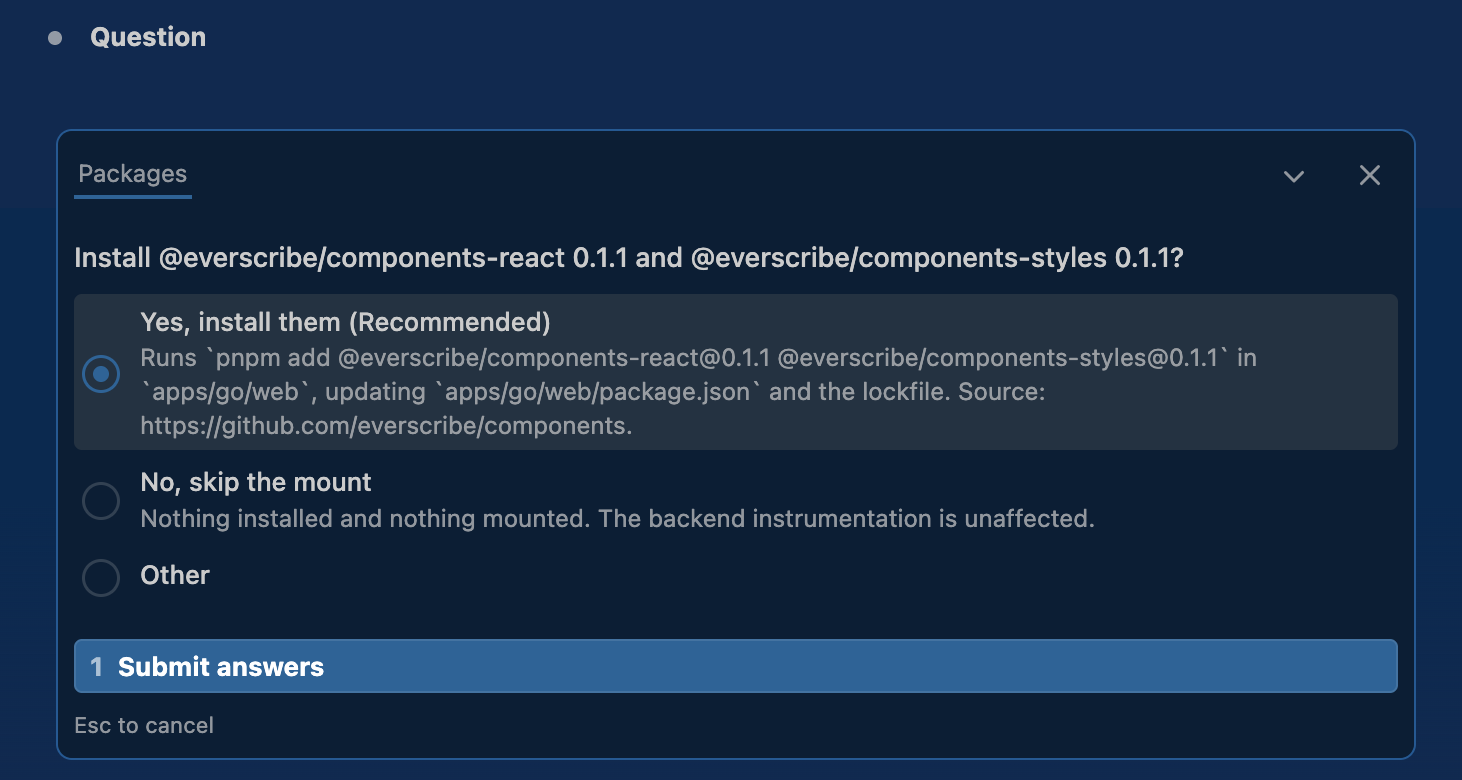
11. Mount the component, if you said yes at step 4. It asks before installing the component packages, naming them.
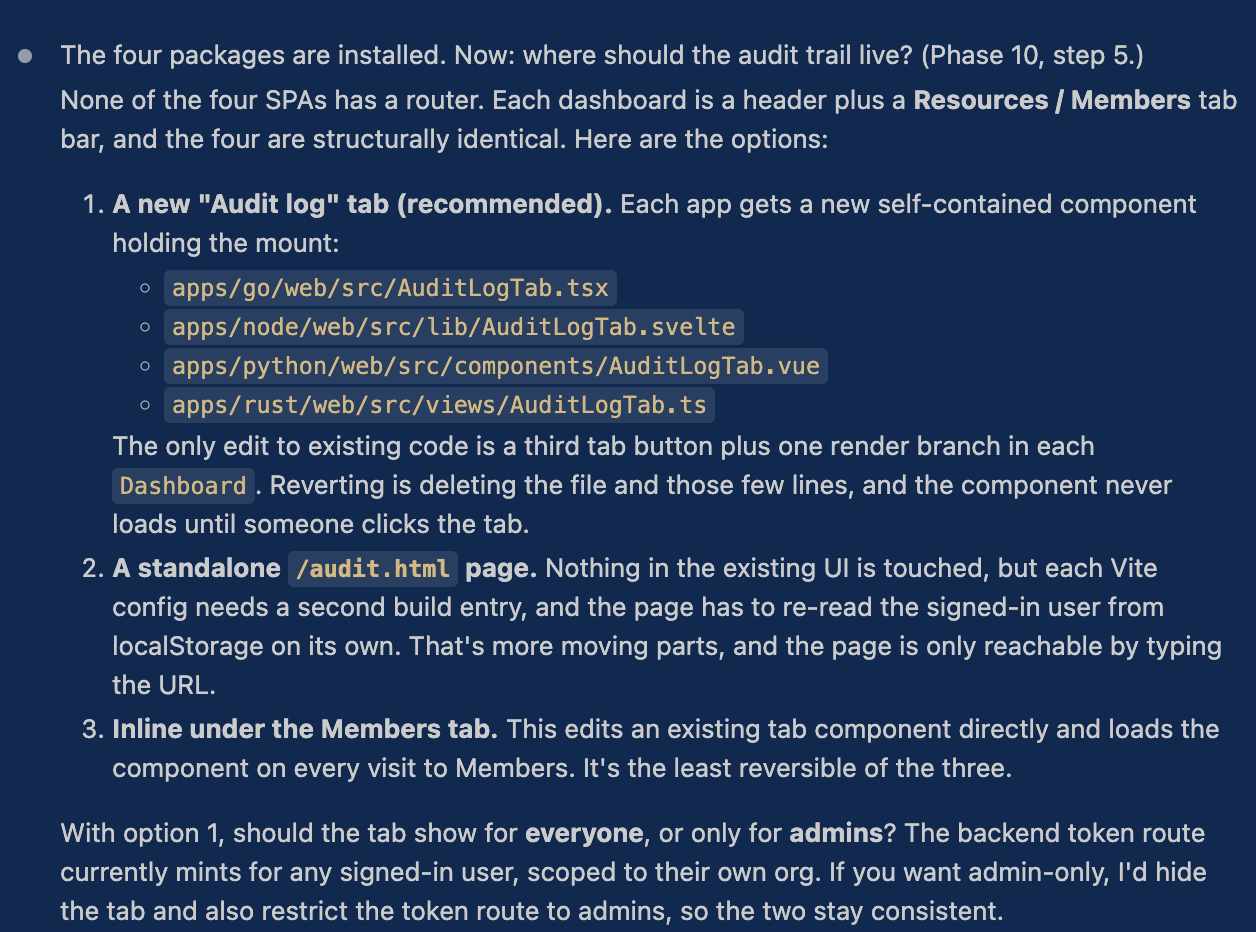
Then it proposes where the audit trail should live and why, with a recommendation.
Finally it offers to match the component to your app's styling. Declining is a complete outcome: the default theme is already designed.
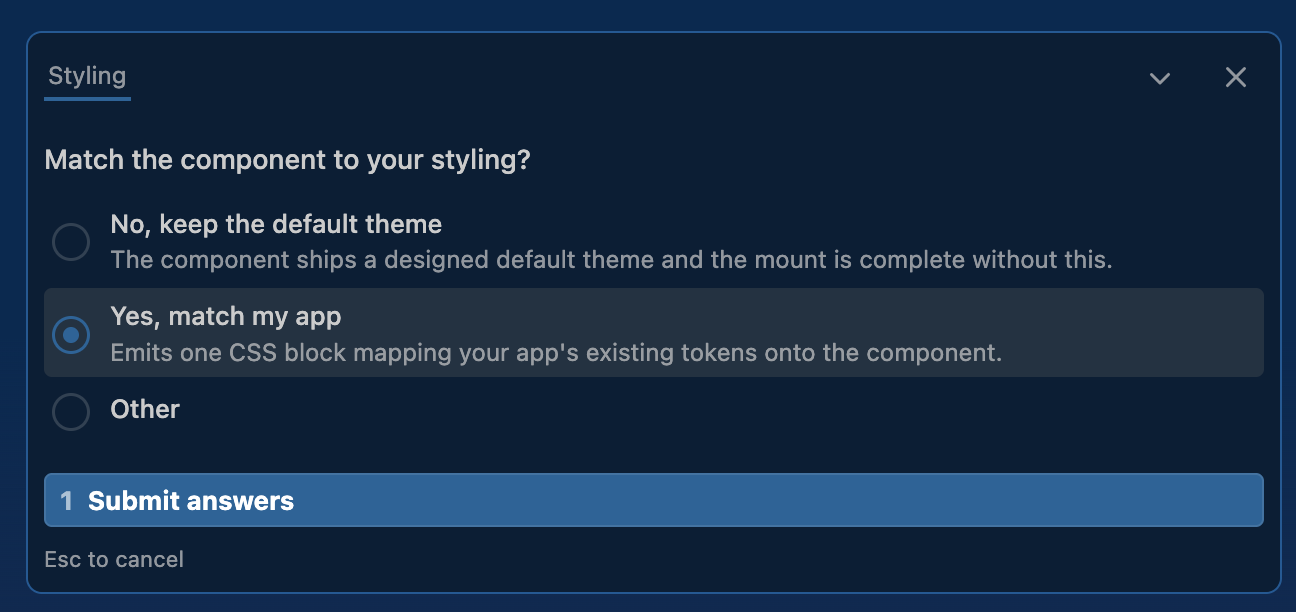
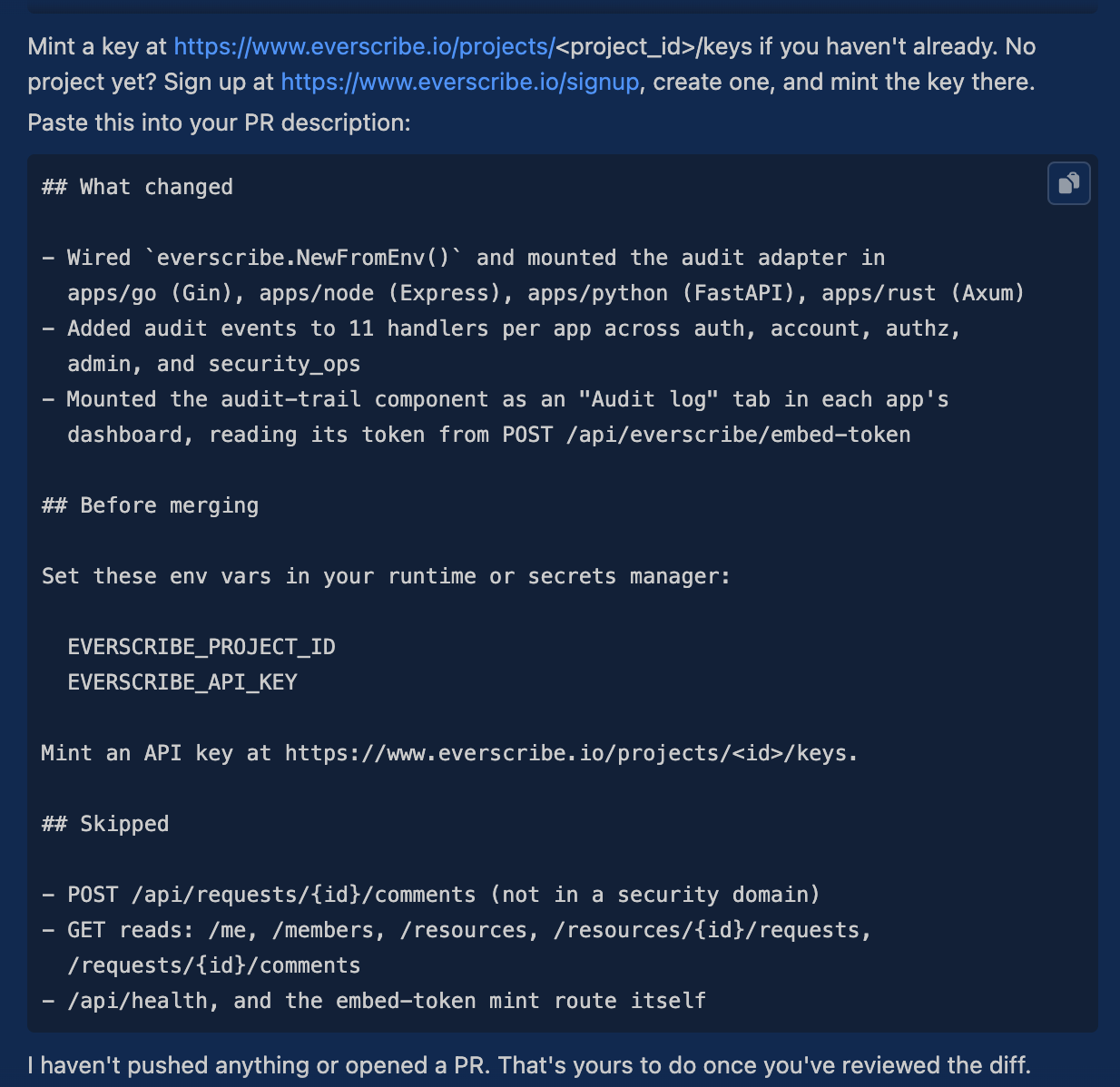
12. Hand off. It prints what to push, the env vars to set, where to mint a key, and a summary to paste into your pull request. It does not push and does not open the PR: that stays yours.
Updating the skill
When we ship a new version of the procedure, re-run:
es skills download setup --force
--force overwrites your existing SKILL.md. Re-invoke the skill to pick up the new procedure; a running session reads it when the skill is invoked.
To check what version you have installed vs what's published:
head -5 ~/.claude/skills/everscribe-setup/SKILL.md   # local version
es skills list                                       # published version
Read next
- Behavior reference. The shared rules both paths implement
- CLI · Skills.
es skillscommand reference