Support
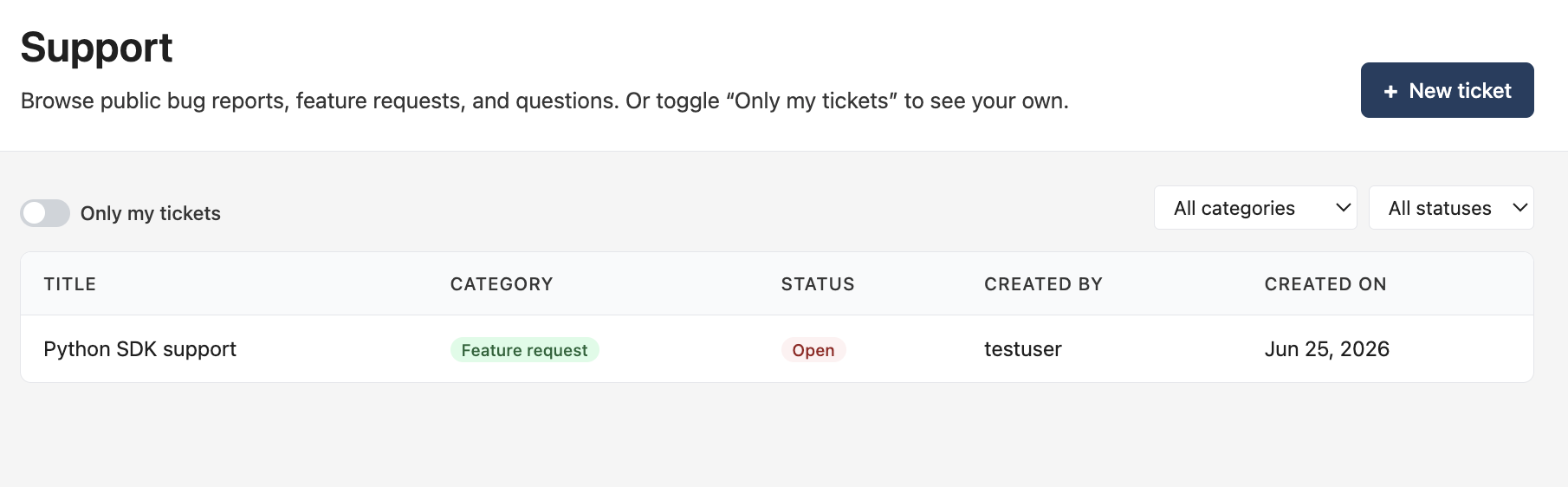
Support is where you report bugs, request features, and ask questions, right from your dashboard. Every ticket is either public (visible on a community board anyone with an account can browse, comment on, and vote on) or private (a 1:1 channel between you and the Everscribe team).
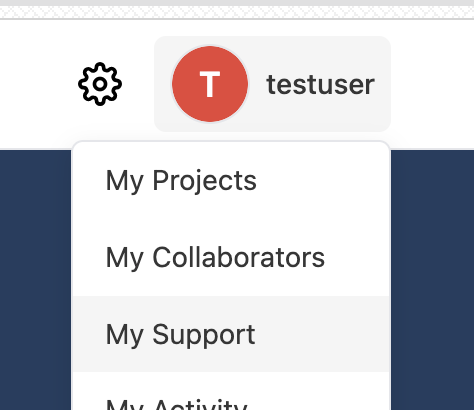
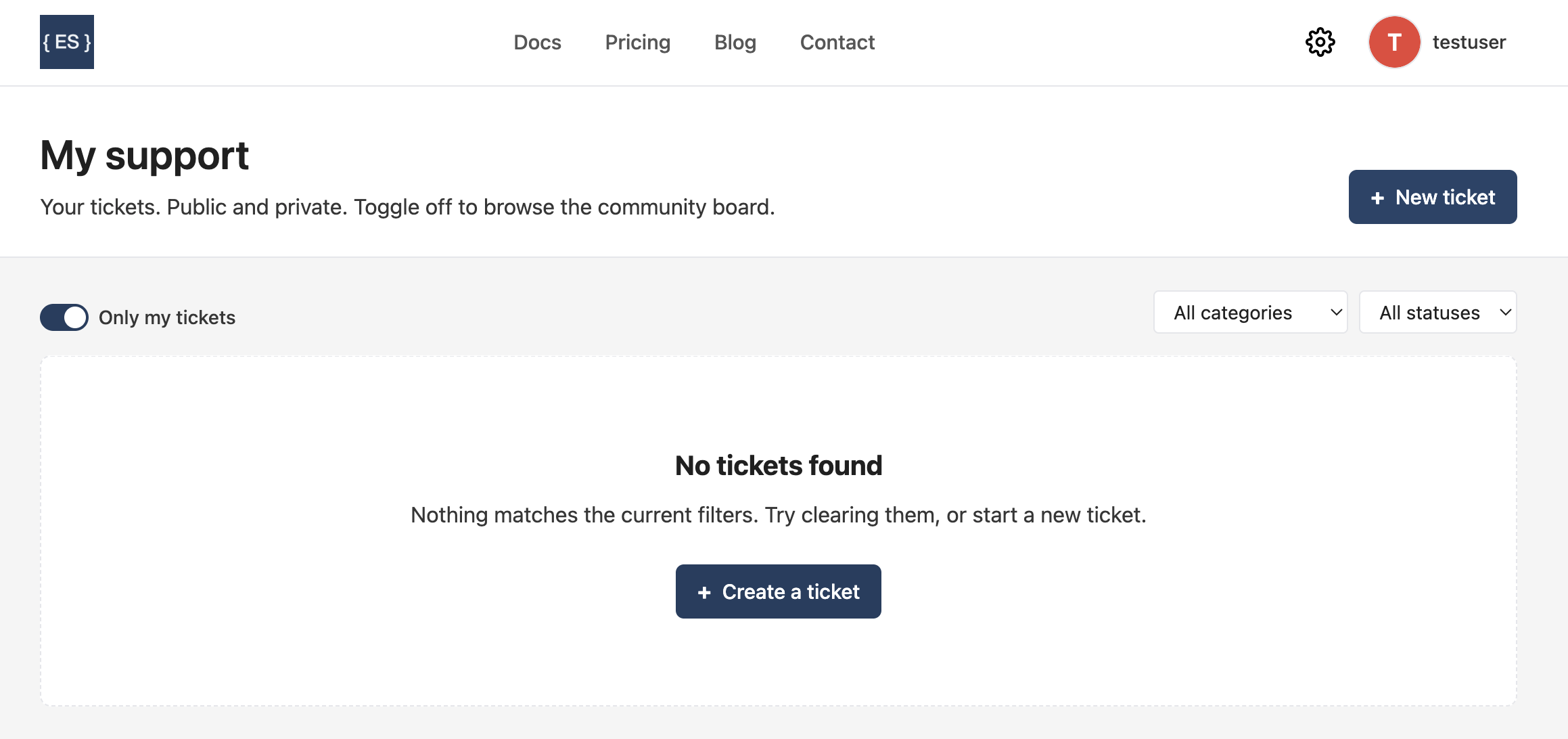
Open the avatar dropdown in the top-right and choose My Support to see your own tickets, or browse the public board.
Public board vs. private tickets
The same form creates both; the visibility you pick decides which product it is:
- Public. A community board. Feature requests and known bugs that any signed-in user can browse, comment on, and up/down-vote. This is the roadmap-signal channel: votes tell us what to build next.
- Private. A direct support thread visible only to you and Everscribe admins. Votes don't apply here; the value is the back-and-forth. An admin replies, you reply back, and admin replies are badged as such.
There's no anonymous access. An account is required both to file a ticket and to browse the public board.
Creating a ticket
From My Support (or the public board), click + New ticket.
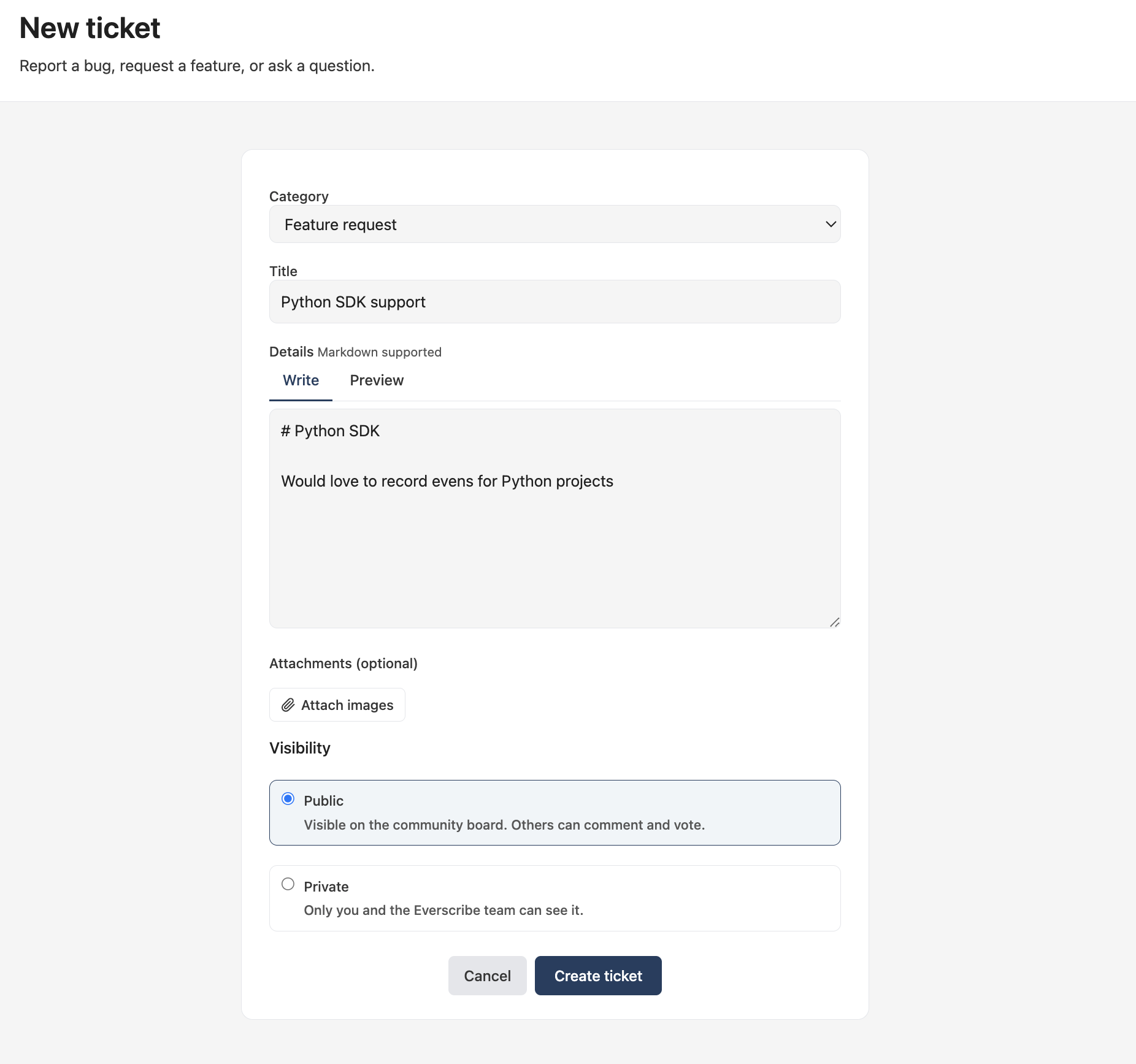
The form has a handful of fields:
- Category. One of Bug, Feature request, or General. Changeable later.
- Title and Details. The details box supports Markdown, with a Preview tab.
- Attachments. Optional images.
- Visibility. Public or Private, as described above.
The ticket page
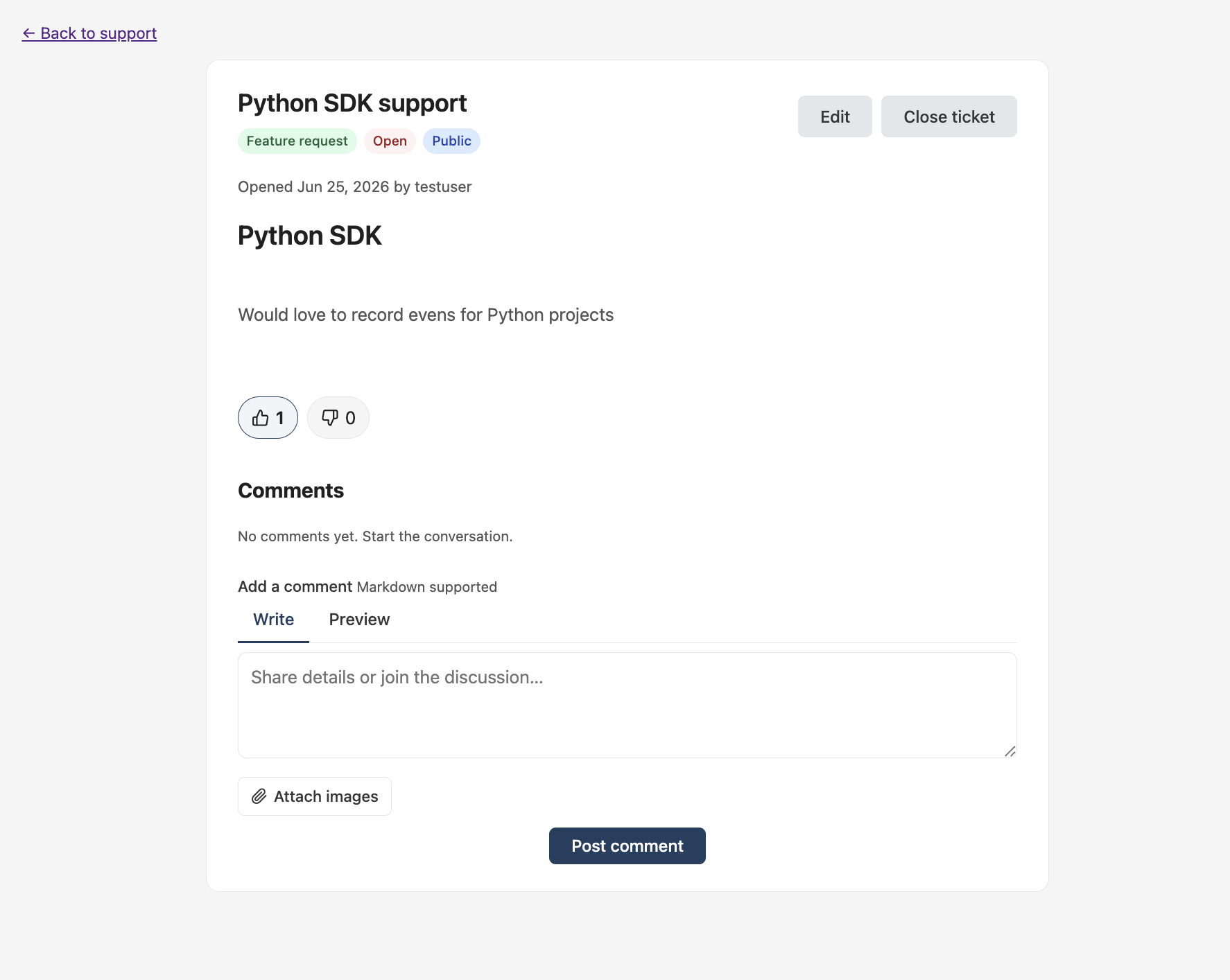
Submitting opens the ticket. The header shows its category, status, and visibility badges, plus Edit and Close ticket controls (yours to use on your own tickets). Public tickets carry up/down vote buttons, and every ticket has a Markdown comment box underneath.
Status
Every ticket has a status that's visible to everyone:
- Open. The default when you create it.
- In progress. An admin is working it. Only an admin sets this.
- Resolved. An admin marked it done. Only an admin sets this.
- Closed. You closed it (no longer needed), or an admin did.
You can always close your own ticket, and reopen it from closed or resolved (for example, "this didn't actually fix it"). Reopening lands back on Open. You can't set in progress or resolved yourself. Those are admin signals.
Comments and votes
Anyone who can see a ticket can comment on it. Comments are Markdown and support one level of threading: you reply to a top-level comment, but not to a reply. On public tickets you can @username-mention another user, and you can up- or down-vote the ticket itself (one vote per person, change it anytime). Votes apply to tickets, not comments, and only on public tickets.
Mentions resolve on public tickets only. On a private ticket, @username stays plain text, since a private thread is visible only to you and the admins.
Notifications
Your ticket cards show a "something changed" indicator, backed by email, when:
- someone comments on your ticket,
- someone replies to your comment,
- someone mentions you, or
- an admin changes the status of your ticket.
Opening the ticket clears its indicator. Admins are notified through the admin portal, not this channel, so they never count as a recipient here.
Browsing the board
The Support board lists public tickets. Filter by category and status, and flip Only my tickets to switch between the community board and your own tickets (public and private).