Overview
This page walks you through everything that's true of every setup path (sign up, create a project, mint an API key), then points you at the path that fits your workflow.
Create an account
First, you need an Everscribe account.
Sign up with email or Google. Verify your email when prompted. You can't generate API keys until your account is verified.
Create a project
A project is the unit of isolation in Everscribe. Every event belongs to exactly one project, and every API key is scoped to a single project.
One project per app, per environment is the typical layout. E.g. acme-prod, acme-staging.
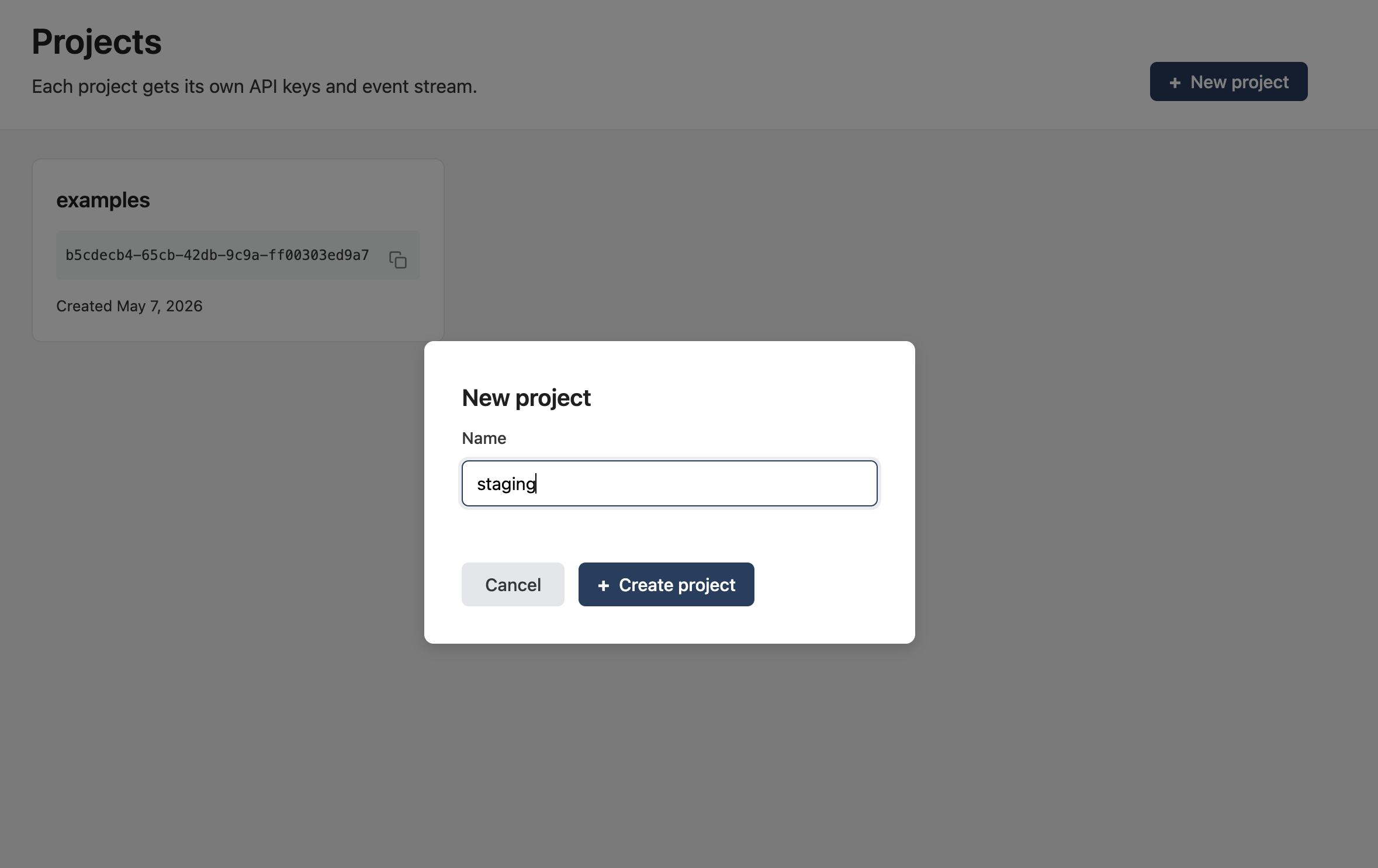
Head to Projects and click New project. Give it a name. You'll land on the project overview page.
Generate an API key
API keys are how the SDK authenticates to your project. One project can have many keys; each is independently revocable.
Open the API keys tab inside your project. Click Create API key. The name is a label for you. Pick something that says where the key is deployed (production, worker, ci).
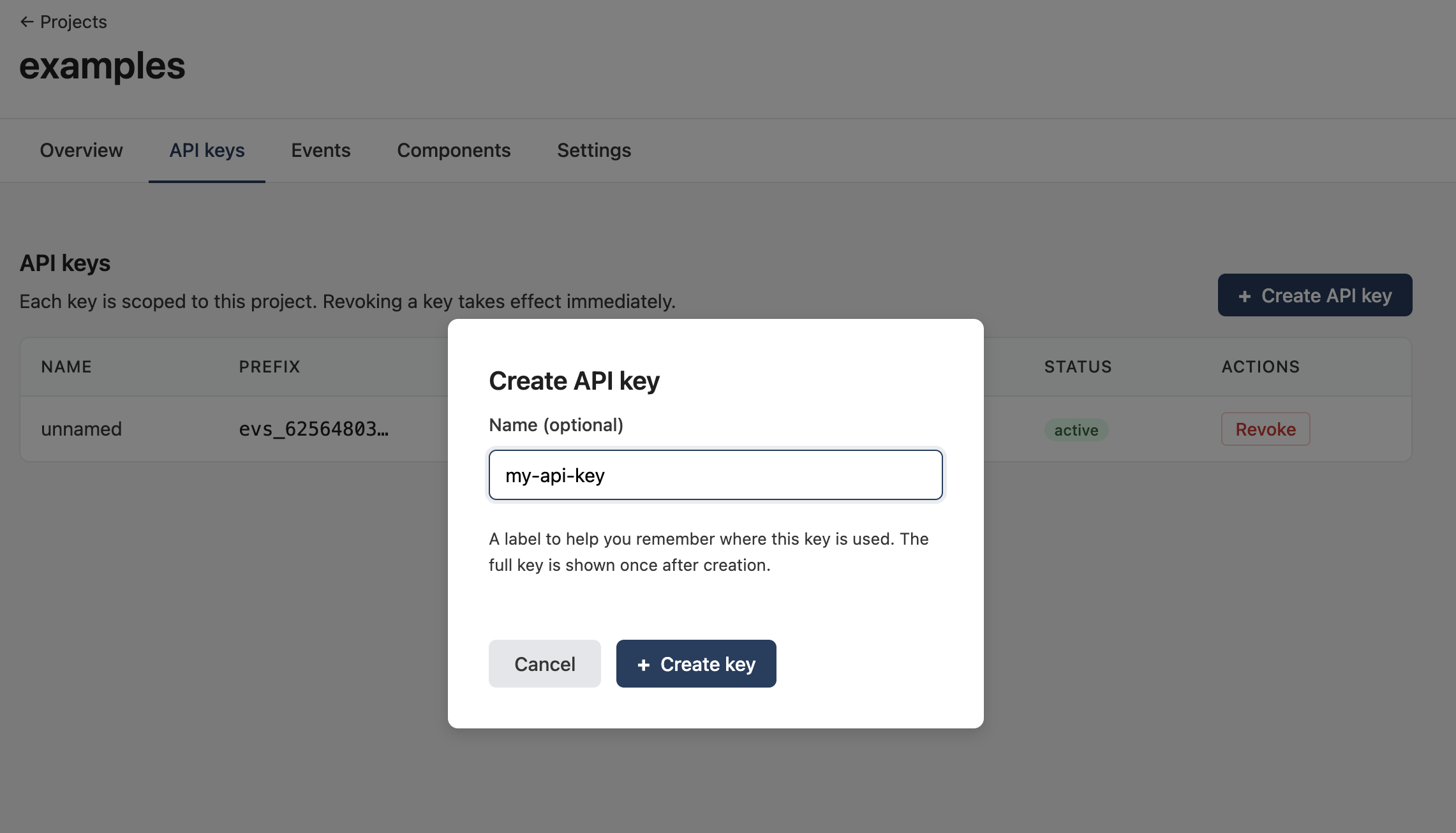
You'll see the secret exactly once. Copy it now. The key is what the SDK uses to authenticate every event your app records.
Treat API keys like passwords. Don't commit them. Read them from an environment variable (
EVERSCRIBE_API_KEY) or a secrets manager.
The Claude setup skill expects an existing key in your environment, so generate one here first.
Pick a setup path
There are a few ways to set up Everscribe in a codebase. Pick the one that fits your workflow.
| Path | What runs | Best when | Full walkthrough |
|---|---|---|---|
| Claude setup skill | A skill runs inside your Claude Code session against your Anthropic key. Same behavior, source code never leaves your machine. | You want AI-driven setup but you'd rather not connect a GitHub App, or your repo can't talk to a third party. | Claude setup skill |
| Wire the SDK up yourself | You install the SDK, wire up the middleware, and add e.Action = "…" calls by hand. Still optionally AI-assisted via the Claude setup skill at any step. |
You want full control, you're instrumenting a small surface, or you're integrating piece-by-piece. | Recording Events |